
Your Mac at the Speed of Thought.
Alfred is the Mac’s ultimate launcher and command bar. This Field Guide takes you from novice to blackbelt, so a few keystrokes do what used to take a dozen clicks. No code required.
You’re clicking your way around a Mac that could read your mind
Open the apps folder. Dig through Finder. Reach for the mouse, hunt for the menu, click, click, click. The Mac is fast. The way most of us drive it is not.
Alfred fixes that. Hit one shortcut, type a few letters, and you’re launching apps, finding files, pasting from a clipboard that remembers everything, expanding snippets, and running little custom workflows. Your hands never leave the keyboard.
The catch is that Alfred looks like just a launcher, so most people use about two percent of it. They never meet Workflows, Universal Actions, or the dozens of tricks hiding one keystroke away.
This guide takes you the rest of the way.
Type what you want. Alfred does the rest.
Everything in Alfred starts the same way. One keystroke brings up the bar, you type, and Alfred figures out what you mean.
That simple idea scales a long way. It launches apps and opens files. It searches the web with a keyword. It pastes from clipboard history and fires off snippets. And with Workflows, it runs little keyboard-driven tools you assemble yourself, no programming needed.
This guide walks every core feature, then a curated stack of workflows you can install today, and finally shows you how to build your own from scratch. You watch it, you grab it, you make it yours.
Hands on the keys. Mind on the work.
Watch a sample of the course
Want to see the teaching style before you commit? A free sample lesson is on the way, the same clear, walk-a-friend-through-it pace as the rest of the course.
If it clicks, the other 79 videos will too. If it doesn’t, no hard feelings.
coming soon
From launcher to command center
Alfred is a deep app that hides its depth well. The course pulls it all into the open, one feature at a time, then shows you how they snap together.
Launch & Find Anything
Open apps, files, and folders in a keystroke. Tune default results and file search so Alfred always guesses right.
Clipboard & Snippets
A clipboard that remembers everything, plus text snippets that expand on the fly. Stop retyping the same things forever.
Web Search & Actions
Search any site from the bar, and use Universal Actions to do something with whatever you just found, all without the mouse.
Workflows, the Magic
A curated tour of ready-made workflows. Clean links, control music, resize windows, search Notes, fire OmniFocus, and more.
Build Your Own
No coding. Use Alfred’s visual builder to make custom folder searches, context pickers, and reminder launchers that fit your life.
Automate With the Big Three
Wire Alfred into Shortcuts, Keyboard Maestro, and AppleScript so a single keyword kicks off workflows across your whole Mac.
A faster way to use your Mac
By the end, reaching for the mouse will feel slow. You’ll do most of your day from the keyboard, and Alfred will feel less like an app and more like a reflex.
- A command bar you reach for a hundred times a day without thinking.
- A clipboard and snippet setup that quietly saves you hours.
- A stack of installed workflows tuned to how you actually work.
- The confidence to build your own workflows from scratch.
- Alfred wired into your other automation tools as one system.
“Worth it in the first 15 minutes”
“I’ve been using Alfred for over 10 years and figured I’d pick up a trick or two. One video in, I was thinking ‘How did I not know that?’ Five videos, and it was clear this Field Guide should be watched by everyone using Alfred.”
“I’ve been using Alfred for many years and bought this thinking I might pick up a trick or two deep in there someplace. Not so. In the first 15 minutes I learned so much that it was worth the price of admission.”
“I’ve been a Mega Supporter of Alfred for about 5 years and never really felt like I got the most out of it beyond being a launcher. David explores every nook and cranny to help you really master the app. My keyboard has never been used so much.”
“I switched to Raycast a few years ago because I thought Alfred couldn’t compare. The Alfred Field Guide was so well done that I’ve switched back to Alfred as my primary launcher.”
“I’ve been using Alfred for several years and felt confident I knew its capabilities. Boy, was I wrong. Within a minute of the first video I had my first headslap moment. Then another, and another with every video.”
“I estimate my Alfred usage was about 2%. Your Alfred Field Guide is like drinking a health food smoothie through a fire hose, so much goodness. It’s worth every penny and more.”
More from people who took the course. Hover any card to pause.
“I have been using Alfred for over ten years and thought I had a good handle on it. Oh, I was wrong. I have learnt so much just going through the core features that it justified purchasing the course.”
“Having gone through the course I was amazed at how little I knew about Alfred. The Alfred Field Guide is one of the best Field Guides that MacSparky has ever created.”
“I would have said I was an Alfred Power User. Thanks to David’s crystal-clear explanations, I was finally able to unlock its potential. This guide led me down a productive path of expanding it with workflows and companion apps.”
“The Alfred Field Guide really knocks it out of the park. I have had Alfred for years and turns out, I was using a fraction of its capabilities. Thanks David!”
“Now I understand the underutilized powerhouse that it is and that I have at my fingertips. Hours have been saved, sanity has been slightly reserved for another day.”
“With David’s guided instruction, I’m now accomplishing tasks with a few keystrokes that took many steps and much longer. What a magical tool and what a great, patient instructor.”
“I’ve learned previously about Shortcuts and Keyboard Maestro from David. And it feels like this completes the circle. Who knew? Certainly not me.”
Who this is for, and who it is not
This is for you if
You want your Mac to keep up with you.
- You use a Mac and want to do more from the keyboard, faster.
- You have Alfred but only use it as a launcher.
- You’ve eyed Workflows but never knew where to start.
- You’d rather learn from real examples than read a manual.
- You like the idea of building little tools without writing code.
This is not for you if
Be honest with yourself on these.
- You’re on Windows or a PC. Alfred is Mac only.
- You never touch the keyboard if a mouse will do.
- You want a one-click app with nothing to set up.
- You’re already an Alfred wizard with a hundred custom workflows.
Eight sections, eighty videos
A clear path from your first keystroke to your own custom workflows, with full transcripts and closed captioning on every lesson.
Getting Started & Core Features
Install Alfred, learn the difference between free and Powerpack, then meet every built-in tool.
- Launching, file search, and Universal Actions
- Clipboard history, snippets, web search, and more
- Music, calculator, contacts, and Alfred’s appearance
Workflows
A guided tour of nearly forty ready-made workflows you can install and start using right away.
- Link Clean, Timer, Color Picker, HEIC to JPEG
- 1Password, CleanShot X, Moom, OmniFocus, Things
- Apple Notes search, Drafts, and Shimmering Obsidian
Build Your Own & Automate
Make workflows from scratch in Alfred’s visual builder, then wire Alfred into your other tools.
- Custom folder searches, focus pickers, reminder launchers
- Alfred with Shortcuts, Keyboard Maestro, and AppleScript
Advanced & Power Users
Sync across Macs, use Alfred Remote, and learn from the people who live in this app.
- Syncing settings, Alfred Remote, advanced preferences
- Interviews with Dave Myhre, Rosemary Orchard, Stephen Millard, Lee Garrett
- A sit-down with the Alfred development team
One price. Everything included.
No subscription. No upsells. No tiers. One purchase, and the whole guide is yours.
Everything, $69
- 80 video lessons, over four hours of streaming or downloadable instruction
- Dozens of ready-made workflows to install and remix
- Power user interviews and a sit-down with the Alfred dev team
- Full transcripts and closed captioning on every lesson
- Lifetime access, on any device you own
Check out with Stripe
Secure checkout, taxes handled, receipt in your inbox.
Your invite arrives
A second email lands moments later with your personal access link.
Start flying
Everything is waiting in the MacSparky community, workflows ready to grab.
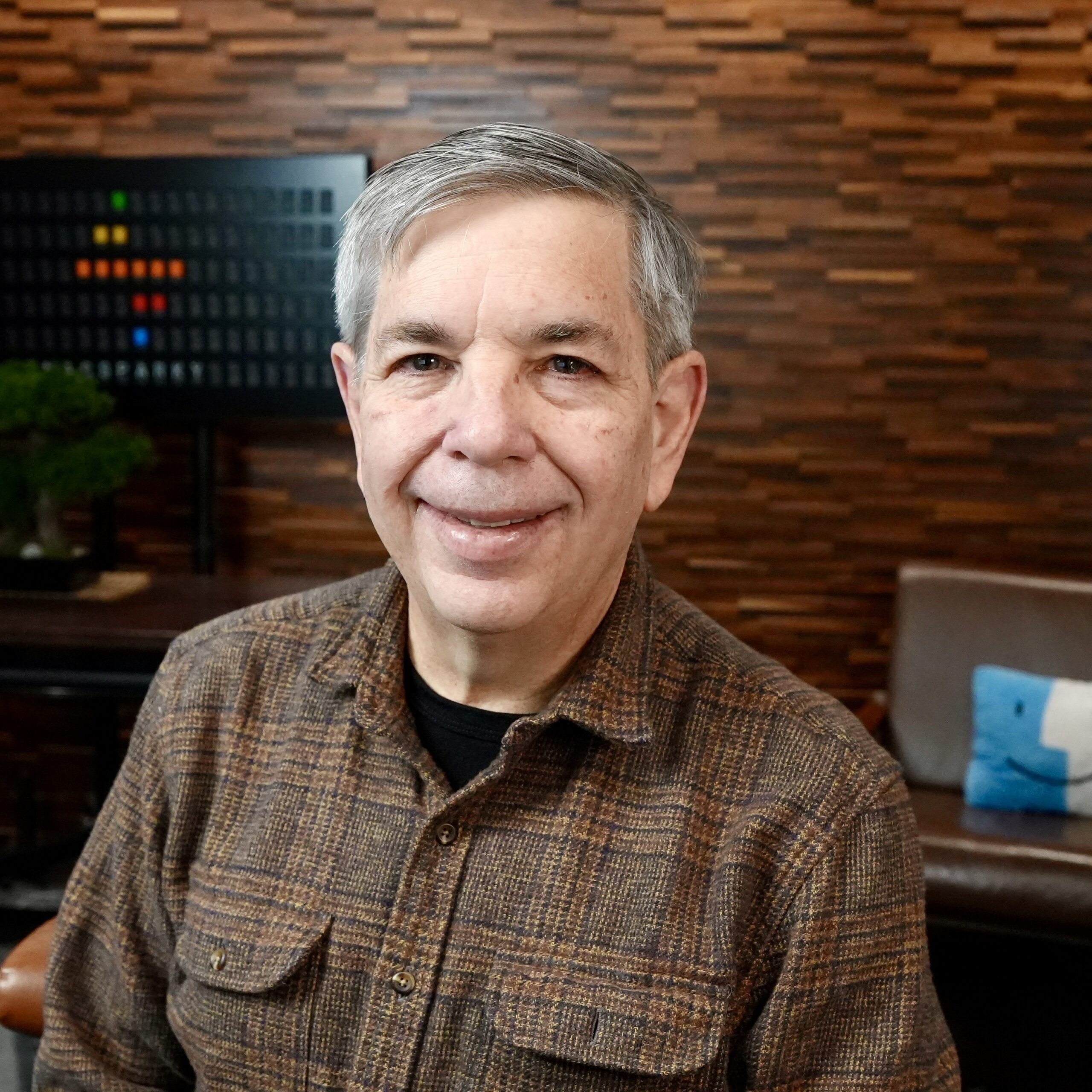
David Sparks
David started MacSparky in 2007 and has spent the years since teaching people to get more out of their technology and their time. He programmed his first computer in 1980 and has chased a faster, calmer way to work ever since.
He publishes the MacSparky blog, cohosts the Mac Power Users, Automators, and Focused podcasts, and runs the MacSparky Labs. Alfred has been on his Mac since the early days, before Workflows, before Clipboard History, back when it was just a launcher.
This guide is everything he’s learned wringing the most out of it, handed straight to you.
Frequently asked
Do I need to own Alfred first? +
Alfred is a free app from Running with Crayons. The bigger features, Workflows and Clipboard History, need the paid Powerpack. The course explains the difference up front, so you can decide what you need.
Will this work on my Mac? +
Alfred is a Mac app, and the course covers Alfred 5. There’s no Windows or iPhone version of Alfred itself, though you’ll learn to connect it to tools that reach beyond the Mac.
I’m brand new to Alfred. Is this too advanced? +
Not at all. The course starts at the very beginning with installation and setup, then builds up gradually. Plenty of students arrive having only ever used Alfred as a launcher and leave building their own workflows.
How is the course delivered? +
The Field Guide lives in the MacSparky community on Circle. After you buy, you get two emails: a receipt from the payment processor, then an invitation with your access link. Click it, set up your account, and everything is waiting for you.
Can I download the videos and workflows? +
Yes. The videos stream or download, you get full transcripts in PDF and ePub, and the ready-made workflows are yours to install and customize.
What’s the refund policy? +
14-day money-back guarantee, no questions asked. If the course isn’t for you, write in within the first 14 days and you get a full refund.
Your Mac at the speed of thought
Every little task you do by hand is a keystroke you haven’t set up yet. Learn the command bar, learn the workflows, and your Mac starts moving as fast as you think.