
This post is sponsored by Timing’s automatic time tracking for Mac.
An automatic time log saves you from trying to reconstruct your week on Friday afternoon. But there can still be a pile of unassigned work to sort into projects. Timing’s new MCP server gives your AI agent a way to help with that part.
Timing records which apps, documents, and websites you use on your Mac. You don’t have to remember to start a timer when you switch jobs. Its rules can categorize that activity as you work.
The new connection lets an agent such as Claude Code or Codex work with that record. MCP is the protocol that connects the agent to Timing, so you can ask questions about your time and have it help organize the results.
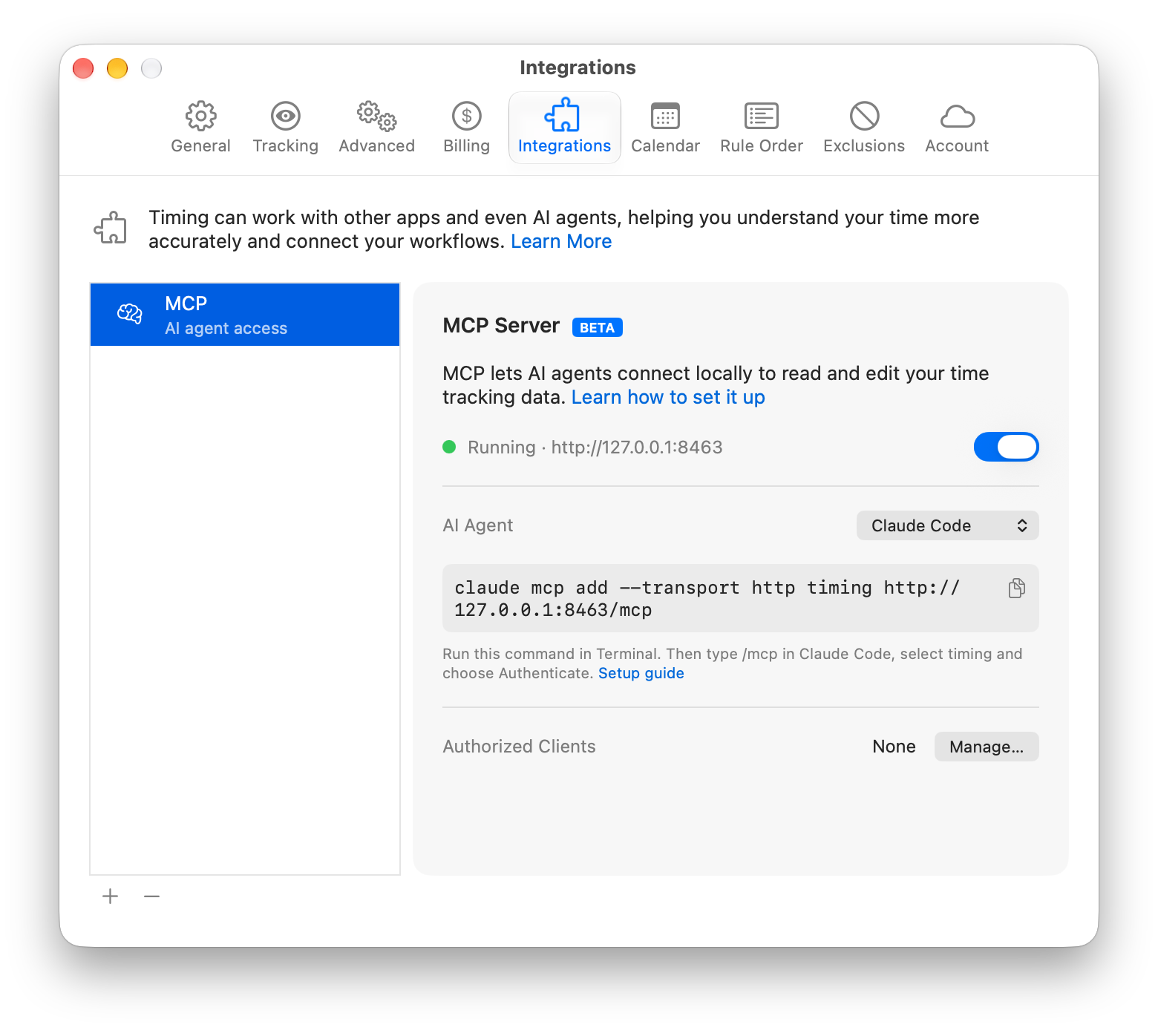
You can start with a simple question: “What did I work on yesterday afternoon?”
For example, ask, “Which of last week’s activities are still unassigned?” Then give it a specific job: “File the Figma ones under Design.” Those are requests you can make in the same conversation, rather than working through the activity list by hand.
Before it files those activities, the agent can show a dry run with the number of activities affected and their total time. Review that preview before it makes changes. You still decide what belongs in each project.
You can also have the agent check a proposed rule against existing activity before adding it. That includes checking what your current rules already cover. Once a useful rule is in place, Timing can file matching work automatically.
Timing can keep notes about your projects and conventions for the agent to read in later sessions, too.
The Mac app’s MCP server is currently in beta and requires Timing Connect after the trial. The connection runs on your Mac; the AI provider you connect processes data under its own privacy policy.
Try Timing free for 30 days, with no credit card required. The trial includes the MCP server, and MacSparky readers get 10% off their first year. My thanks to Timing for supporting MacSparky.
I write about getting more from your Apple gear. If this was useful, go deeper in the Labs or grab the weekly newsletter.