
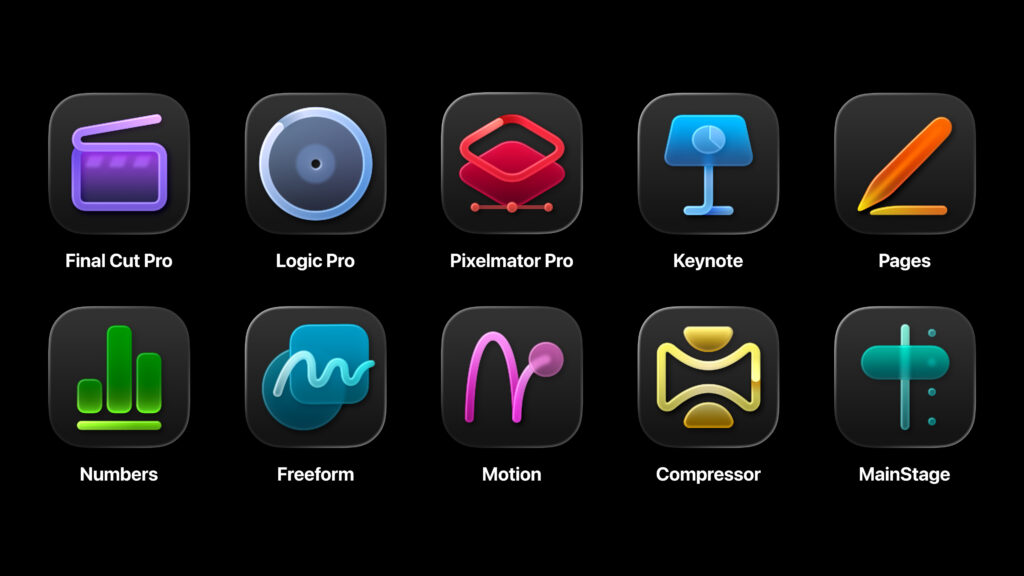
Apple announced Creator Studio this week, bundling Final Cut Pro, Logic Pro, Pixelmator Pro, Motion, Compressor, and MainStage along with enhanced versions of Pages, Numbers and Keynote into a $130/year subscription.
My feelings are mixed. Every time Apple rolls out a new subscription, I get a little leery. The company’s increasing focus on services revenue feels like a slow drift away from the traditional model: make great hardware, sell it, move on. I understand the business logic. I just notice the shift.
That said, I’m genuinely relieved about Pixelmator Pro. When Apple acquired it, I feared the app would get thrown into a wood chipper and turned into new features for Photos. Instead, it survives intact and gains an iPad version. For someone who uses and loves Pixelmator Pro, this is good news.
The creator tools lineup is impressive. I use Final Cut and Pixelmator often. Compressor renders my MacSparky Labs deliverables. MainStage is part of my music practice routine. I fire up Logic occasionally. These are serious applications, and $130/year to keep them current feels reasonable to me.
I also appreciate that Apple preserved the option to buy these apps outright. You’re not forced into a subscription. If you prefer a one-time purchase, that path remains open. This flexibility acknowledges that different users have different preferences, and it’s a smart move.
So what’s the problem?
The iWork suite.
Pages, Numbers, and Keynote have been free for years. They’ll stay free. But now there’s a separate tier within Creator Studio that adds new templates and Apple Intelligence features to these apps. If you want those extras, you need the $130 subscription.
From conversations with MacSparky Labs members, this isn’t landing well. Many of them have zero interest in Final Cut or Logic. They just want the latest iWork features. Asking them to pay $130 for that feels unreasonable.
Could Apple offer a cheaper iWork-only tier? Maybe $30/year? Possibly, but that starts to feel like nickel-and-diming. Apple is a multi-trillion dollar company in the middle of a major push to make Apple Intelligence central to everything they do. The better answer is simpler: make those iWork features free for everyone.
If I had a magic wand, I’d remove the iWork suite from Creator Studio entirely. The new templates and AI features would roll out as free updates to apps that are already free. The Creator Studio subscription would focus on what it should focus on: professional creative tools for people who actually use them.
By trying to sweeten the Creator Studio deal with iWork additions, Apple ended up frustrating users who don’t need video editing or music production software but do want the best version of Pages or Keynote. It’s a bundle that serves almost nobody perfectly.
I suspect the ship has sailed on this one. But I hope Apple course corrects.
Shortform: Read More and Remember More in 2026 (Sponsor)
This newsletter is sponsored by Shortform. If one of your goals for 2026 is to read more, let me share something that’s helped me actually get more out of the books I finish.
I read a lot. The challenge isn’t finding time to read. It’s doing something with what I’ve read. I’d finish a book, feel vaguely inspired, then move on without changing anything. That’s where Shortform has become genuinely useful.
I’ve been using it for over three years now, and what keeps me coming back isn’t just the summaries. It’s the exercises. After each chapter summary, they give you thoughtful questions to work through. Not quiz questions to test if you were paying attention. Real questions that make you apply the ideas to your own life. That’s the difference between reading a book and actually learning from it.
The summaries come in three flavors. There’s a quick overview if you want to know what a book is about before committing. A one-page summary that hits the main points. And a full guide that goes deep. I usually start with the overview, and if it hooks me, I’ll read the full guide. Sometimes that’s enough. Sometimes it convinces me to buy the book.
What I appreciate most is how they explain complicated ideas without dumbing them down. Books that would normally make my eyes glaze over become clear. They connect concepts across different books too, which helps you see patterns you’d miss otherwise.
The practical stuff works well. Everything syncs to Kindle and Readwise. You can download PDFs. They’ve added coverage of long-form articles and current topics beyond just books, which has been handy for keeping up.
If you’re setting reading goals for 2026, or you want to actually remember what you read this year, give Shortform a look. They’re offering MacSparky readers $50 off at shortform.com/davidsparks.