
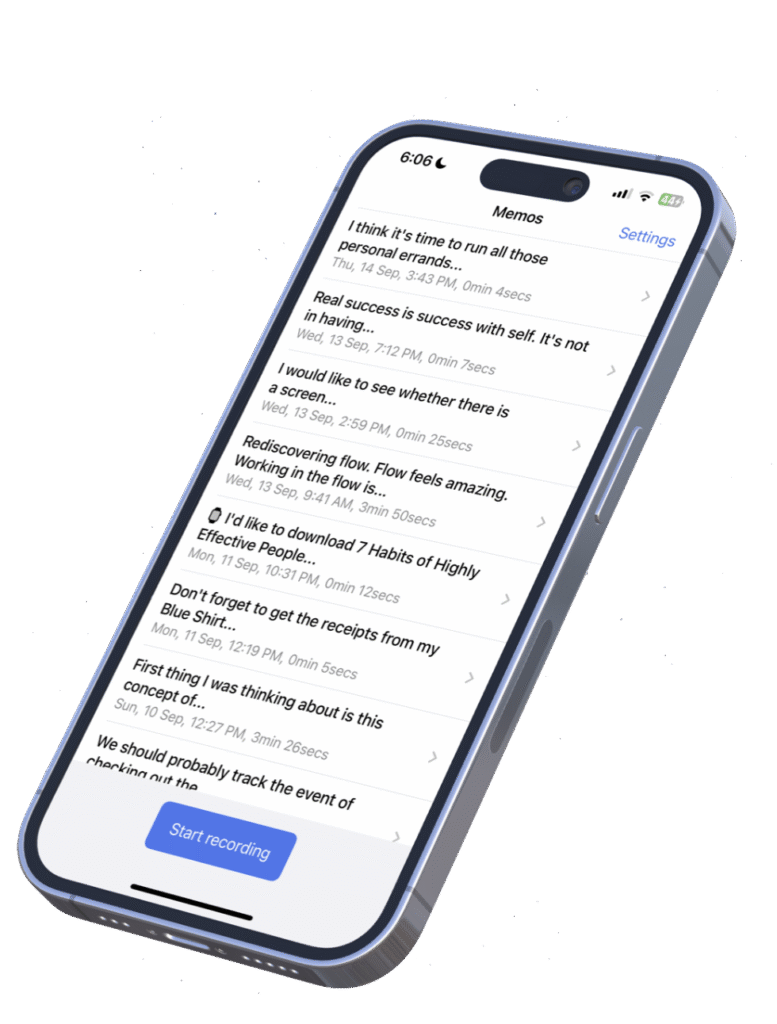
I’ve been a paying subscriber to Whisper Memos for over two years now, and I’m thrilled to welcome them back as a MacSparky sponsor. This app has become an essential part of my capture workflow.
If you’re unfamiliar, Whisper Memos is beautifully simple: open the app, start talking, and your words are transcribed into clean, paragraphed text delivered to your email. The magic happens through OpenAI’s Whisper technology, and the accuracy is remarkable. I’ve been dictating to computers for decades, and AI-powered transcription is on another level.
The Apple Watch integration is where Whisper Memos really shines for me. I’ve got it mapped to the Action Button on my Apple Watch Ultra, which means capturing a thought is just one tap away. Walking the dog, driving to the store, lying in bed when inspiration strikes—I raise my wrist, tap, and talk. The app works completely standalone on cellular watches, syncing when you’re back online.
Now Import Your Own Audio Files
The app just added a feature many users have been requesting: you can now import your own audio files for transcription. Got a voice memo from Apple’s Voice Memos app? A recording from a meeting? Import it into Whisper Memos and let the AI work its magic. This transforms the app from a great capture tool into a versatile transcription utility.
If you value privacy, there’s a Private Mode where transcripts are automatically deleted after processing—nothing stored on their servers. I’ve been running it this way since day one.
Whisper Memos is free to try and surprisingly affordable. If you’re looking for a frictionless way to capture your thoughts and turn them into readable text, check it out.