

Today I’m featuring the home screen of my pal Dave Myhre. Dave, a former jet pilot and current Christmas Tree farmer, is one of the most thoughtful technology users I know. He’s the kind of guy who actually thinks about why he sets things up a certain way, not just how. He’s also been busy planting trees, which tells you something about his priorities. So Dave, show us your home screen.
What are some of your favorite apps?
Obsidian — I like writing my notes in markdown and keeping everything stored locally. I wish it had a native Mac app, and I really wish it had usable iOS and iPadOS versions. On mobile devices, I only use it to view notes. If notes need to be shared, I’ve switched to Apple Notes.
Paprika is my go-to for meal planning, recipe management, and shared grocery lists. I really enjoy Paprika’s ability to capture recipes from the web. Sharing recipes in Paprika is also very easy. Last year, I spent time entering some of my Mom’s recipes into Paprika and even attached pictures of her original 3×5 recipe cards. I was able to share the recipes with family members either as a Paprika file or a PDF.
Focus Modes, although technically not a stand-alone application, has given me back control of my attention and focus when using my devices. I’m down to two key focus modes: Normal and Deep Work. Normal limits notifications to a select group of people and a very short list of applications, and it allows calls only from known contacts. Everything else shows up in scheduled notifications that display about every four hours. Now, when my phone sends a notification, it’s probably important to me, and I don’t feel bad about checking it. My Deep Work focus mode allows notifications only from my wife and my emergency bypass contact. All other calls and notifications show up in the scheduled notifications.
What app makes you most productive?
I have a bunch of pokers in the fire. Quite honestly, too many. The only way I keep from getting burned is by maintaining a robust task management system. I’ve found pairing OmniFocus with Reminders to be a powerful combination. My projects and personal tasks live in OmniFocus, and my shared tasks live in Reminders. Having two task management applications is not the ideal solution. To keep things straight between the two, I use a simple rule to decide where the task will live. If it’s a shared task, it’s handled in Reminders; otherwise, it’s managed in OmniFocus.
What app do you know you’re underutilizing?
Drafts — it’s my capture tool of choice. Almost everything starts in Drafts. Unfortunately, I rely too heavily on cut-and-paste to get things out of Drafts. The actions library in Drafts is excellent. I really need to pick a few actions and get those under my fingers. (Dave, I can help with that.)
Which app is your guilty pleasure?
Solitaire by MobilityWare. It’s simple and easy to start and stop, even in the middle of a game. And of course, I never play it in Game Center. It’s called Solitaire for a reason.
If you were in charge at Apple, what would you add or change?
Add deep link support to Notes, Reminders, Files, and Photos. There is some support now, but system-wide deep link support would be nice.
Fix Siri. Enough said. (Amen, Dave.)
What’s your wallpaper and why?
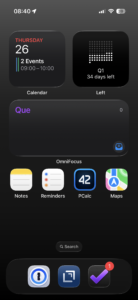
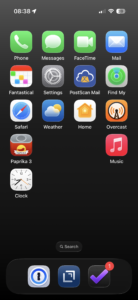
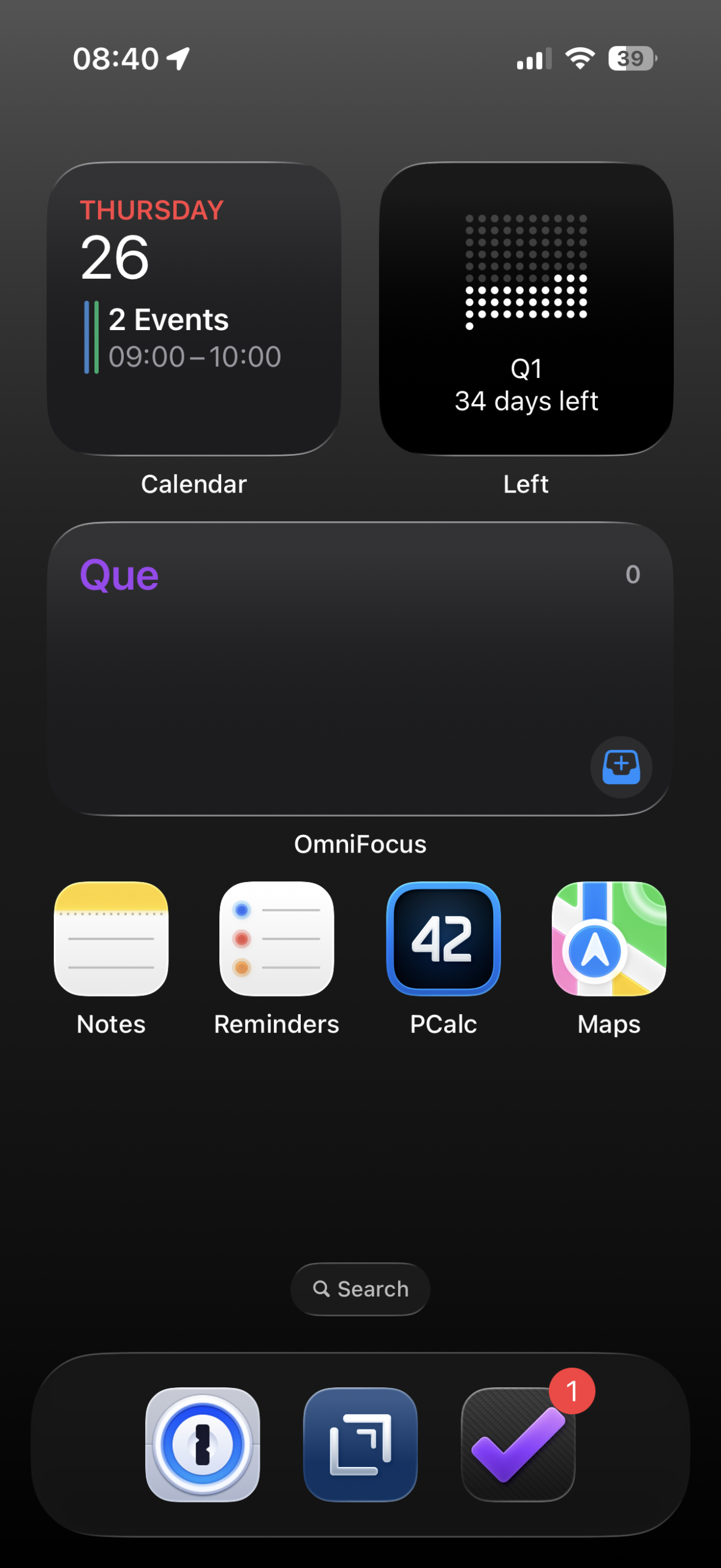
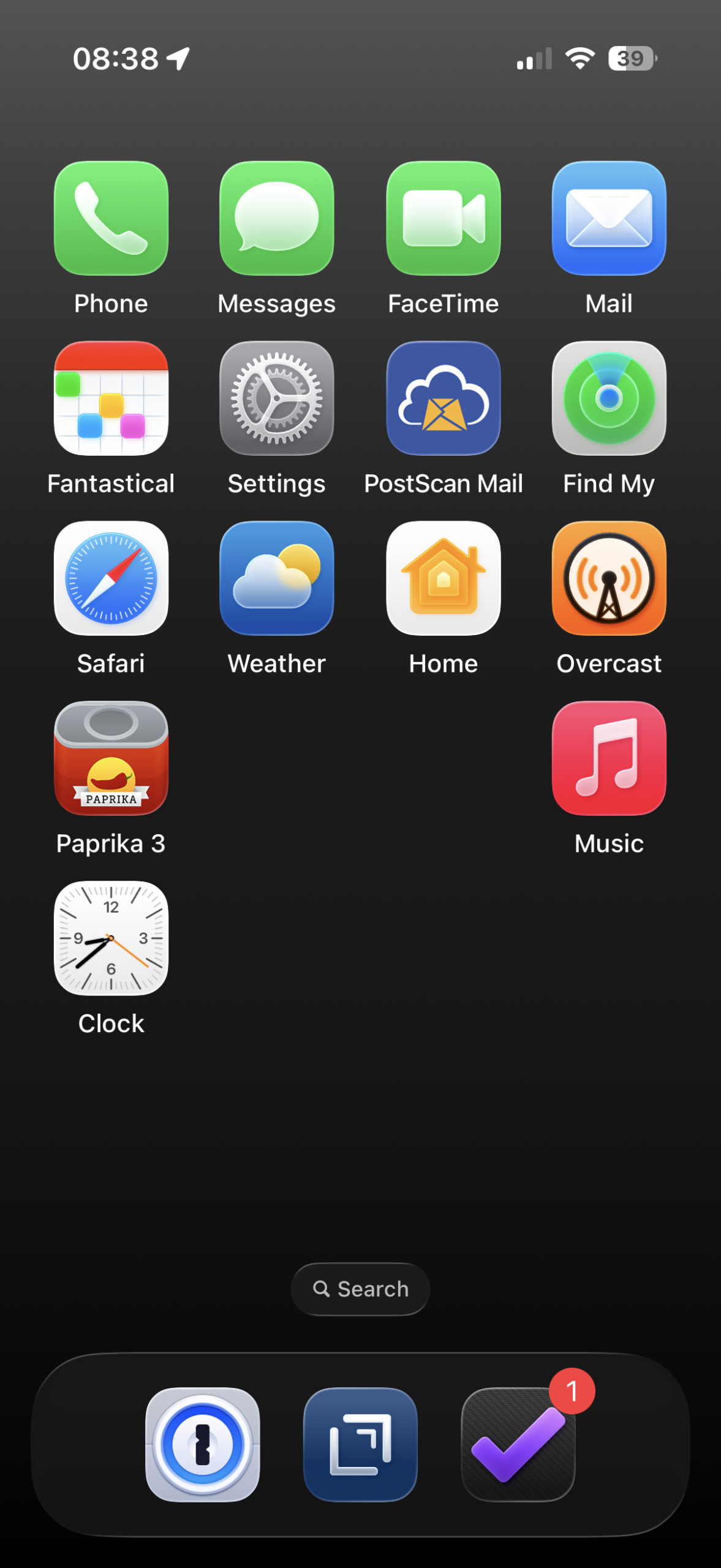
Just the stock black background that has a slight gradient from dark gray to black. It’s boring and simple, but I like it. I’ve also removed most of the icons from my home screen. I use the Calendar and OmniFocus widgets to keep tabs on what’s going on. I also use the Left widget to graphically show the days remaining in the current quarter. Only a handful of apps live on my home screen. Notes, Reminders, PCalc, 1Password, Drafts, OmniFocus, and Maps. The Phone, Messages, FaceTime, and Mail applications live on the second page, along with a short list of other key applications. Slowly, I’ve been removing the other applications from the remaining screens, since searching for them works fine when I need them.
Thanks, Dave!