Home Screen: John Chandler

Today I’m featuring the home screen of web developer, swell guy, and my pal, John Chandler. So John, show us your home screen.

I am a spiritual director and a freelance WordPress developer. I originally did a home screen post almost 15 years ago. Some things have certainly changed since then!

John’s iPad mini minimalist home screen

Why is your home screen so neglected?

David provided many thoughtful questions to respond to, but this one is of my own making. A few years ago, I landed on this idea of having an iPad mini that was minimalist in form, but robust in function. (I just came up with this phrase to apply to it, though, and feel very proud of it.)

I say minimalist in form, because I allow only a handful of key thinking-type apps in the dock — the rest of the home screen is completely clean. If I were to swipe to the next screen over, there would be some widgets, and a few more apps, but most of the time this is the screen I’m working from. When I pickup my iPad mini, it’s usually with a specific purpose in mind, and I don’t want to see something else that will lure my attention elsewhere.

But I say robust in function, because I don’t limit what I can access. I can check Fantastical, Mail, Messages, or Slack. I can open Safari. I can get mired in eBay or Amazon. I can watch an MLB game. All of these are tucked away in the App Library, but I only access them with a tug down on the home screen for the search window.

What’s your wallpaper and why?

This was a stock wallpaper a few iOS releases ago. The imagery of a tree thriving in a stark landscape has a lot of meaning to me in my own personal journey, so I’ve latched on to this image and find ongoing inspiration from it.

What is your favorite feature of the iPad?

I love the versatility of the iPad mini. I don’t try to use it for everything, but I love that I can use it for almost anything.

I seldom use it as a primary device — if I’m doing any kind of work, it’s generally going to be on a Mac. But if I’m going to have coffee with a friend, sitting in a Zoom meeting, or just going to be running some errands, I’ll often have the iPad mini handy with Apple Pencil latched alongside. I prefer it to my phone in case I have need to capture or reference something, and I like the option of being able to handwrite some notes if needed.

What are some of your favorite apps?

NotePlan – I looked at NotePlan a few years ago, but it didn’t stick for me. I was using Things for tasks, and Obsidian as a PKM. But I revisited NotePlan after the MPU episode earlier this year, and dove in headfirst. It wonderfully bridges the gap between mapping out tasks within projects and capturing the daily notes I used to keep in Obsidian. I also dove headfirst into roles and arete this year, and find NotePlan is the perfect app to manage my goals from the 30,000-foot overview all the way down to daily fine-tuning and implementation.

Readwise Reader – I started using Reader right as they rolled out ePub support, and so I read almost everything in Reader — books and articles alike. It captures my highlights automatically into Obsidian. (Truth be told, though, most of the reading happens in the Reader app on a Boox Page.)

Day One – I’ve journaled in Day One since it was first released, and even backfilled some older journal entries. So I have 18+ years of journaling in there. Most of the journaling happens on a Mac, but one of my favorite daily habits is to look back at the “On This Day” section to reflect on who I’ve been and who I am becoming.

Obsidian – Though I pulled my daily notes out of Obsidian, I still engage in Obsidian multiple times per week. It is a deep reference library of book notes, personal research, and my primary app for drafting ideas into longer forms. I also seem to be one of the few that isn’t bothered by the experience of Obsidian on iPad.

Which app is your guilty pleasure?

Ivory – I follow my favorite NFL and MLB teams pretty closely. I slammed the door on Twitter a few years ago, and letting go of my sports feeds was the only challenging part. Now, I’m able to fill that hole by tracking a chunk of sportsbots.xyz accounts in a Mastodon account with Ivory.

If you were in charge at Apple, what would you add or change?

I also have an old 11″ iPad Pro that I use in similar ways, especially when I want to have a keyboard available but not carry a full laptop. If I could change something, I would continue to have the Smart Keyboard Folio available for the newer models. It’s light and streamlined compared the Magic Keyboard cover, so it feels more like the experience of just carrying an iPad. I’m aware some didn’t like the experience of that keyboard, but I have no trouble with it.

Automators 161: Setup App Showdown

Rose and I are both fans of setups: automations that set your computer up to dive into doing your work. In this episode of Automators, we discuss multiple ways to set up a setup.

This episode of Automators is sponsored by:

  • ExpressVPN: High-Speed, Secure & Anonymous VPN Service. Get an extra three months free.
  • LinkedIn Jobs: Find the qualified candidates you want to talk to, faster. Post your job for free today.

Unite 5 – Turn Web Apps into Supercharged macOS apps (Sponsor)

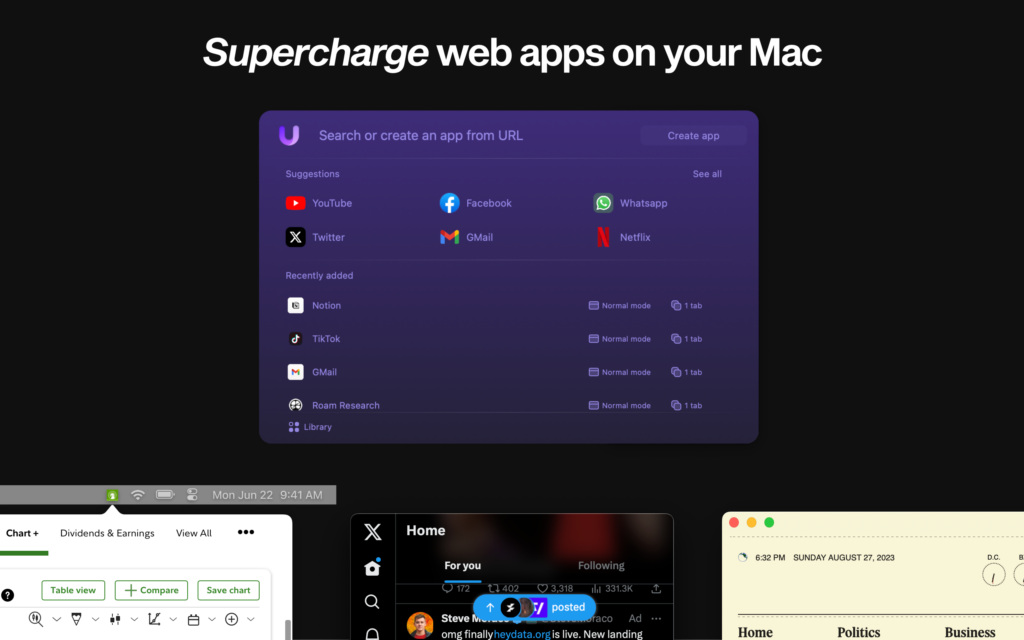
Unite 5 for macOS takes your web experience to the next level, transforming websites into feature-rich Mac apps. Powered by a completely redesigned WebKit browser, Unite 5 offers a more immersive and customizable browsing experience.

What sets Unite 5 apart? They’ve gone beyond just app conversion. Their new intricate link-forwarding rules give you unparalleled control over web interactions, making your web apps smarter and more integrated than ever before.

Some highlights of Unite 5:
Advanced Link-Forwarding: Navigate your web apps like a pro.
Revamped Browser Engine: Faster, more reliable, and tailored for macOS.
Enhanced Customization: More ways to make your web apps truly yours.

Create powerful web apps in seconds, such as:

  • A Gmail client that integrates seamlessly with macOS.
  • A resource-efficient Slack or Discord app with full notification support.
  • A dedicated AI app for ChatGPT or Claude.AI
  • A Robinhood or Figma app that feels native on your desktop.

MacSparky readers get an exclusive 20% off this week. Use the promo code ‘MacSparky’ at checkout or visit http://bzgapps.com/unitesparky.

Experience Unite 5 for yourself with a 14-day free trial, or access it as part of the Setapp subscription.

Mac Power Users 744: Apple’s “Let Loose” iPad Event

This week, Apple unveiled new iPad Pro and iPad Air models. On this episode of Mac Power Users, Stephen and I talk through the news and discuss why hardware isn’t at the heart of the iPad’s struggles.

This episode of Mac Power Users is sponsored by:

  • 1Password: Never forget a password again.
  • ExpressVPN: High-Speed, Secure & Anonymous VPN Service. Get an extra three months free.
  • NetSuite: The leading integrated cloud business software suite.
  • Indeed: Join more than 3.5 million businesses worldwide using Indeed to hire great talent fast.

Mac Power Users 741: In the Apple Trust Zone

On this Mac Power Users feedback episode, Stephen and I catch up on listener feedback, share some unique uses for Freeform, discuss some good Apple Watch apps, and talk about the Mac’s startup sound.

This episode of Mac Power Users is sponsored by:

  • 1Password: Never forget a password again.
  • NetSuite: The leading integrated cloud business software suite.
  • Zocdoc: Find the right doctor, right now with Zocdoc. Sign up for free.
  • SaneBox: Stop drowning in email!

Unite 5 – Turn Web Apps into Supercharged macOS Apps (Sponsor)

This week’s sponsor, Unite 5 for macOS, takes your web experience to the next level, transforming websites into feature-rich Mac apps. Powered by a completely redesigned WebKit browser, Unite 5 offers a more immersive and customizable browsing experience.

What sets Unite 5 apart? They’ve gone beyond just app conversion. Their new intricate link-forwarding rules give you unparalleled control over web interactions, making your web apps smarter and more integrated than ever before.

Some highlights of Unite 5:
Advanced Link-Forwarding: Navigate your web apps like a pro.
Revamped Browser Engine: Faster, more reliable, and tailored for macOS.
Enhanced Customization: More ways to make your web apps truly yours.

Create powerful web apps in seconds, such as:

  • A Gmail client that integrates seamlessly with macOS.
  • A resource-efficient Slack or Discord app with full notification support.
  • A dedicated AI app for ChatGPT or Claude.AI
  • A Robinhood or Figma app that feels native on your desktop.

MacSparky readers get an exclusive 20% off this week. Use the promo code ‘MacSparky’ at checkout or visit http://bzgapps.com/unitesparky.

Experience Unite 5 for yourself with a 14-day free trial, or access it as part of the Setapp subscription.

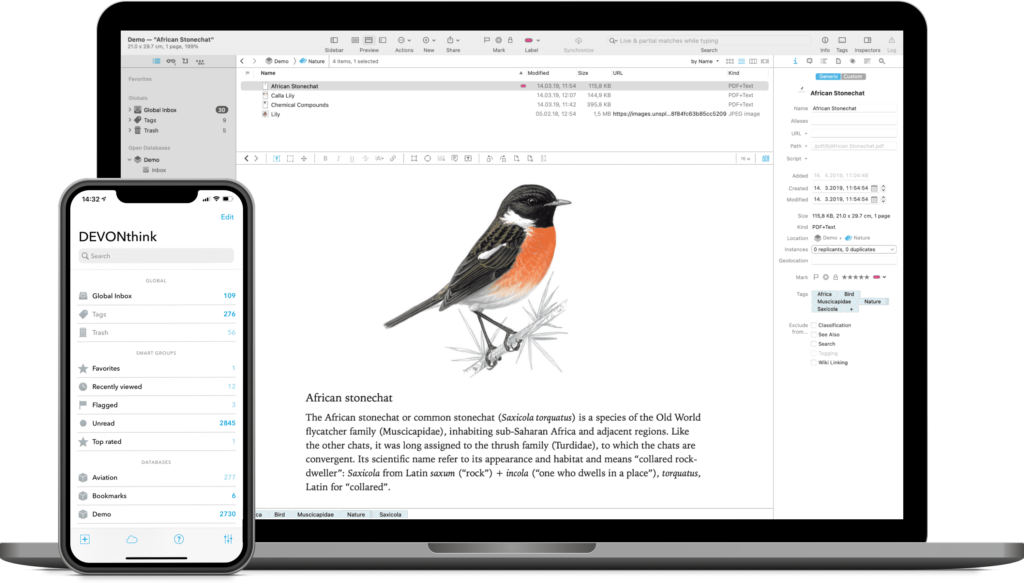
DEVONthink, The Best Database Solution (Sponsor)

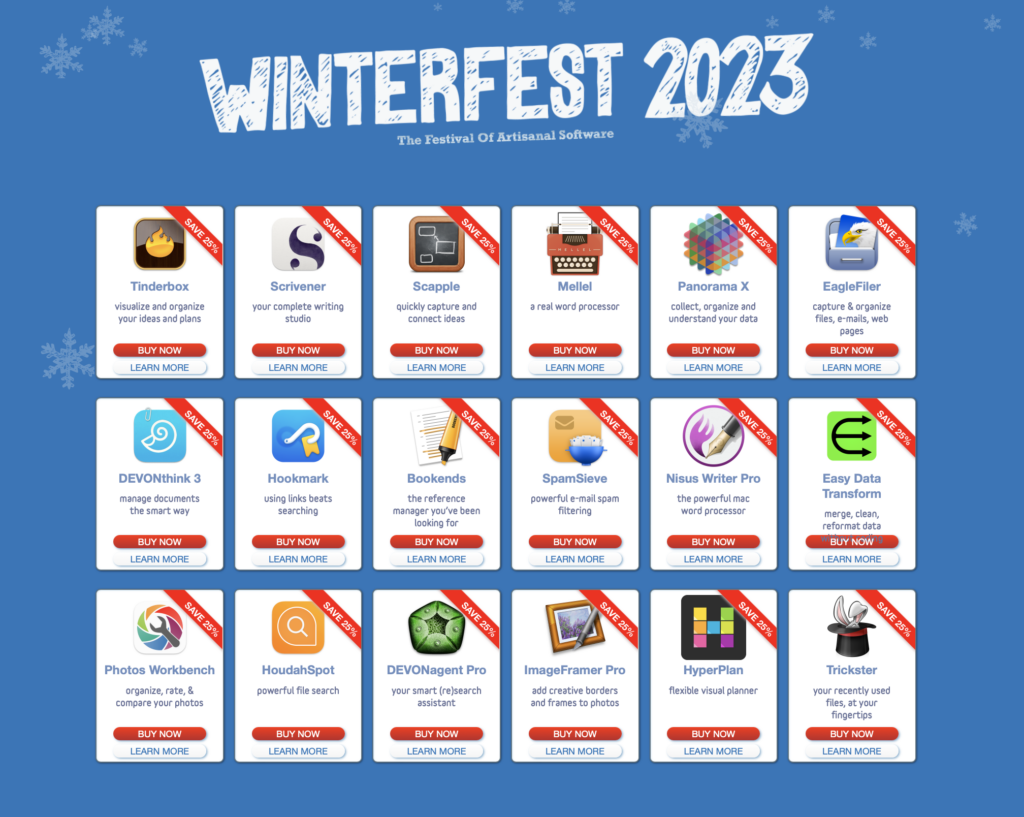
This week MacSparky is sponsored by DEVONthink. There are a lot of ways to manage a database on your Mac, but in my opinion, there is no better tool than DEVONthink. Just a few of the things I use DEVONthink for include:

  • A reliable repository of research documents. DEVONthink will hold as many documents as you can throw at it. In addition, it makes import (and export) easy, so you can have all that power without feeling trapped.
  • A research assistant. DEVONthink uses artificial intelligence to analyze and connect your documents in ways that may not otherwise occur to you. This isn’t that new-fangled-kinda-dumb AI. This is search AI that finds shockingly relevant documents. It’s spooky.
  • An OCR Tool. Everything you store in your DEVONthink Pro library gets OCR’d. It just happens.
  • An Automation Tool. DEVONthink lets you build powerful automation subroutines into your library to help tag, move, and organize documents.
  • DEVONthink supports multiple sync methods and lets you even use your own sync password, so everything is encrypted. If you’ve got an iPad or an iPhone, you can access your DEVONthink data there, too, with DEVONthink To Go.

It never ceases to amaze me how fast DEVONthink search is. Just recently I needed an obscure documents from several years ago sent to me buy a guy whose name I could not remember. DEVONthink found it in my first search as the #1 result. Boom.

It is this combination of power and security that makes DEVONthink the clear winner. You can think of DEVONthink as your paperless office. You can automate your workflow from capture to filing, editing to publishing. It stores all your documents, helps you keep them organized, and presents you with what you need to get the job done.

And of course the DEVONthink team never stops making improvements. The latest update (3.8.7) improves upon Wikilinks, the Concordance inspector, and more.

Interested? MacSparky readers can get a 20% discount on DEVONthink. Use the code MACSPARKY2023 at checkout.