
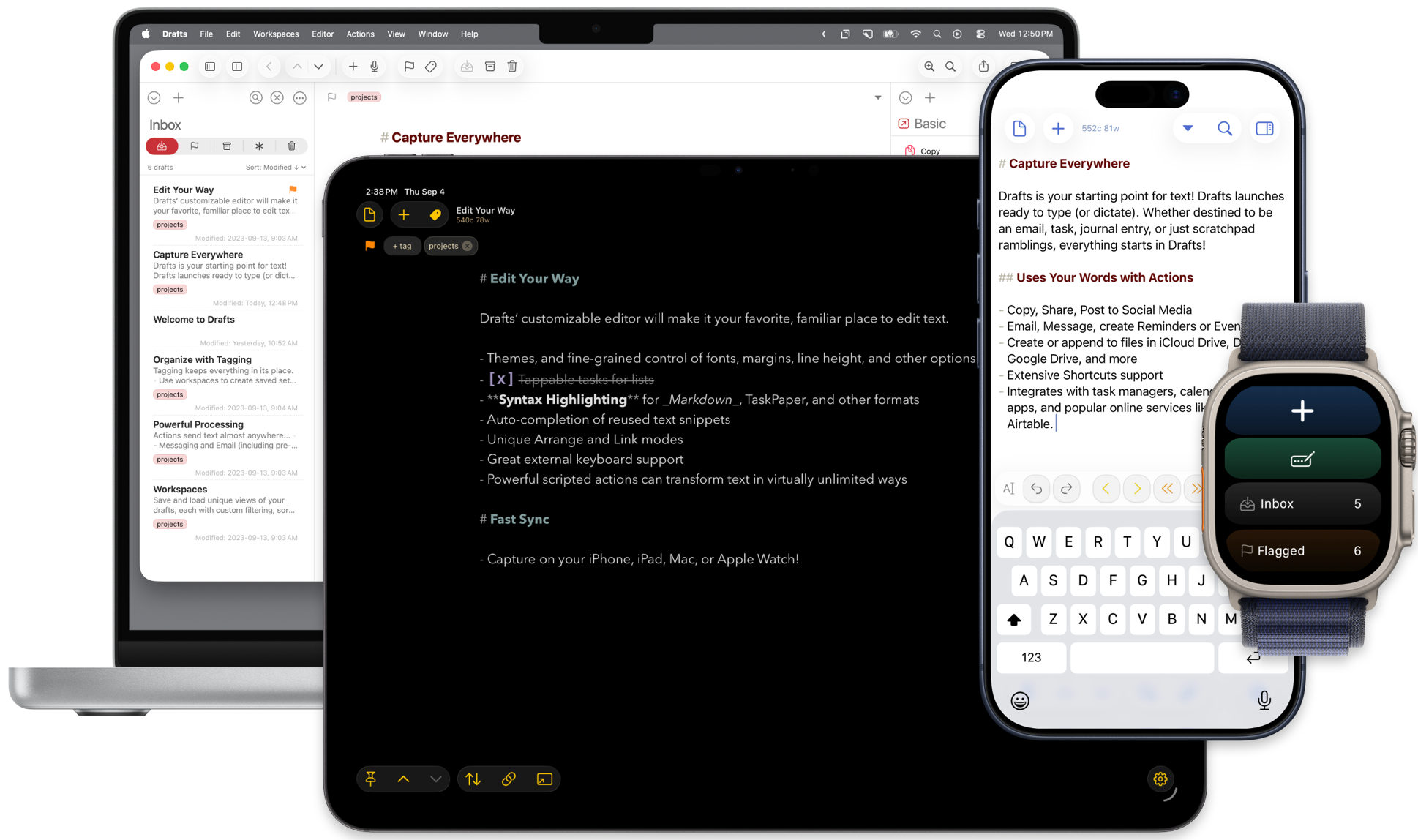
This post is sponsored by Drafts for iPhone, iPad, and Mac.
Drafts is where text starts for me, and has been for years. Get the words down, then decide where they belong. Version 54 adds a Chat Console for working with that text and more control over dictation.
The new Chat Console handles one-off jobs inside the app. Ask it to sort a grocery list by sections of the store, or make a summary of your flagged drafts. Drafts gives the model tools to find and work with the text in your library and editor.
A small job doesn’t have to become a scripting project, and your existing actions are still there for routines you want to repeat. Start with a simple request and check the result before keeping the changes.
The console requires Drafts 54 or later, Drafts Pro, and iOS or macOS 27 or later on a device with Apple Intelligence supported and enabled. Each chat is temporary; Drafts doesn’t keep a chat history.
Pay attention to the model you choose. Apple’s on-device model keeps data local but has limited capabilities. Apple’s Private Cloud Compute runs remotely, and third-party models need a separately billed API key.
The updated dictation interface on OS 27 adds custom dictionaries for the names and terms you say often. A word like MacSparky is a good example. Add it to a dictionary to give speech recognition a hint about what you mean.
You can pause, make a correction in the preview, and resume before saving the text. Dictation can also continue in the background, with an iOS Live Activity showing that it’s still listening.
Drafts uses Apple’s speech APIs. Local, offline dictation is supported in many cases, but availability depends on your device and language. Some setups still need a network connection.
The current 54.1 update adds compatibility fixes and improves the dictation Live Activity’s appearance. Chat Console and the new dictation interface arrived with 54.0.
You can get Drafts for iPhone and iPad or download the Mac version. My thanks to Greg for supporting MacSparky.
I write about getting more from your Apple gear. If this was useful, go deeper in the Labs or grab the weekly newsletter.