
This post is sponsored by BZG Apps.
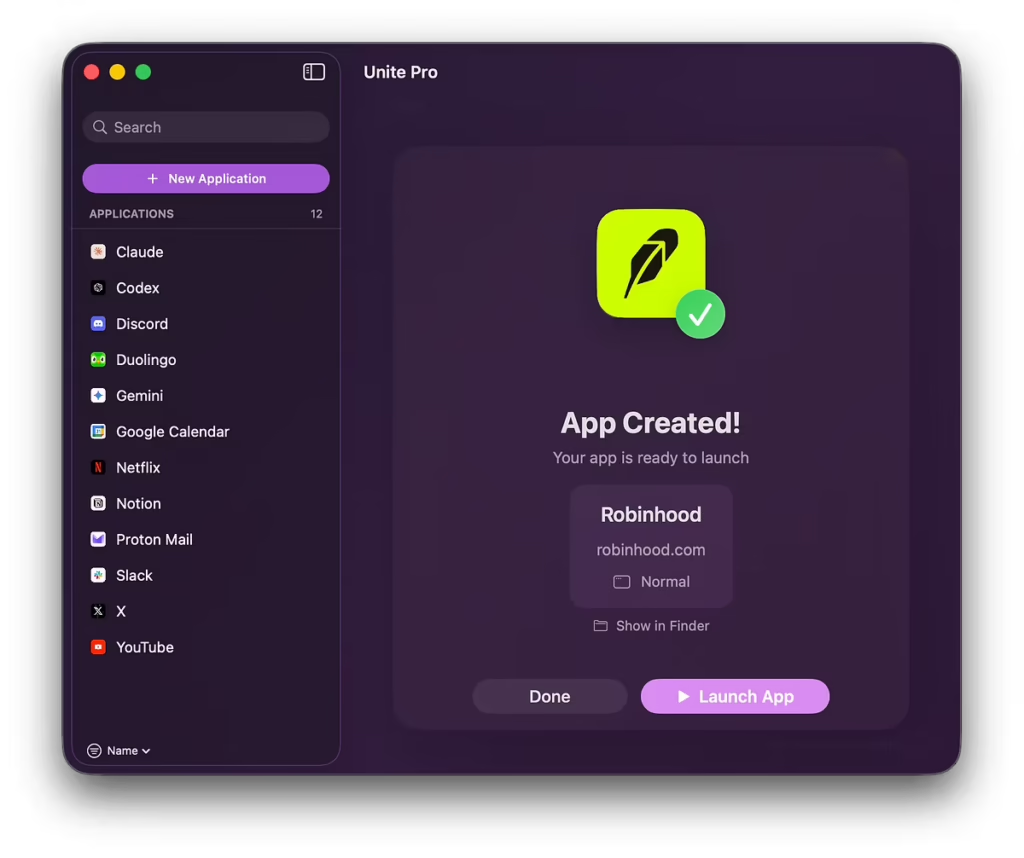
My thanks to Unite Pro for sponsoring MacSparky this week.
I spend a ridiculous amount of time in web apps. My browser has become a second operating system. The trouble is that browser tabs are terrible containers for focused work. They pile up, they blend together, and context-switching starts to feel like excavation.
Unite Pro turns any website into a standalone Mac app. You can run it as a focused window, an always-available sidebar, or a lightweight menu bar app. I keep a few tools I check constantly in sidebar mode, and it has changed how I interact with them. They’re just there when I need them, without competing for tab real estate.
The level of control is what got me. You can strip out sticky headers and cookie banners, hide floating elements, and customize typography and colors. There’s a force dark mode option for those holdout sites that still blind you at night. If you like to tinker, you can write per-URL scripts and styles with the rebuilt customization engine.
Unite Pro also adds native Mac features you’d never get from a browser tab. Dock badges. Meeting notifications. AI overlays for ChatGPT, Gemini, Grok, and Claude. It handles smart link routing too, keeping links opening in the right app instead of dumping everything into your default browser. That includes sign-in and SSO flows, which normally break when you try to isolate web apps.
Your first app is free to use forever. Set it up with whatever web tool you live in most and see if having it as a dedicated app changes how you work. MacSparky readers get 20% off with the code MacSparky.
Check out Unite Pro and try your first app free
I write about getting more from your Apple gear. If this was useful, go deeper in the Labs or grab the weekly newsletter.