
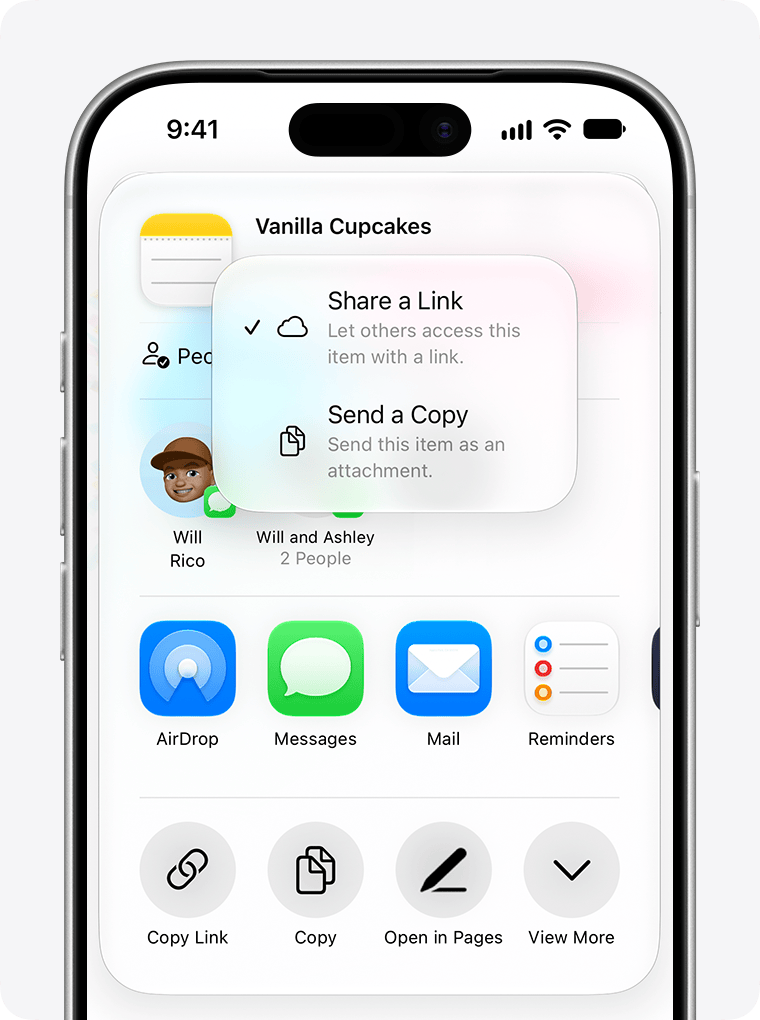
Bob Fortner sent along a useful Apple Notes tip: iOS 27 puts a Share a Link option right in the share sheet.
Open an unlocked iCloud note, tap Share, then look under the note’s title for Share a Link. Apple documents the same route for iPhone and iPad.
Document links are so handy, and Apple seems allergic to them. A link can put your project notes within reach of the task that needs them, instead of sending you back to search through Notes.
This is great, but it is also just a collaboration link. Check who can open the note and whether they can edit it before passing the link along.
There’s more work to be done here, Apple.
Written by David Sparks
I write about getting more from your Apple gear. If this was useful, go deeper in the Labs or grab the weekly newsletter.