I’m working on some content around the idea of career transition. Now that I’m a few months into it, I already feel like I have more perspective …
This is a post for MacSparky Labs Members only. Care to join? Or perhaps do you need to sign in?

I’m working on some content around the idea of career transition. Now that I’m a few months into it, I already feel like I have more perspective …
This is a post for MacSparky Labs Members only. Care to join? Or perhaps do you need to sign in?
Moving your windows around the screen manually can be a pain. In this video I demonstrate how I use a few keyboard shortcuts with a great little screen utility, Moom, to make my windows dance.
I’m starting a new series where I’ll be looking at some of the most popular task managers. Before getting started, however, here’s a look at how I’m currently using OmniFocus with my setup and favorite features. This feature set will be a baseline of sorts while I look at competing apps… This is a post for MacSparky Labs Early Access and Backstage Members only. Care to join? Or perhaps do you need to sign in?
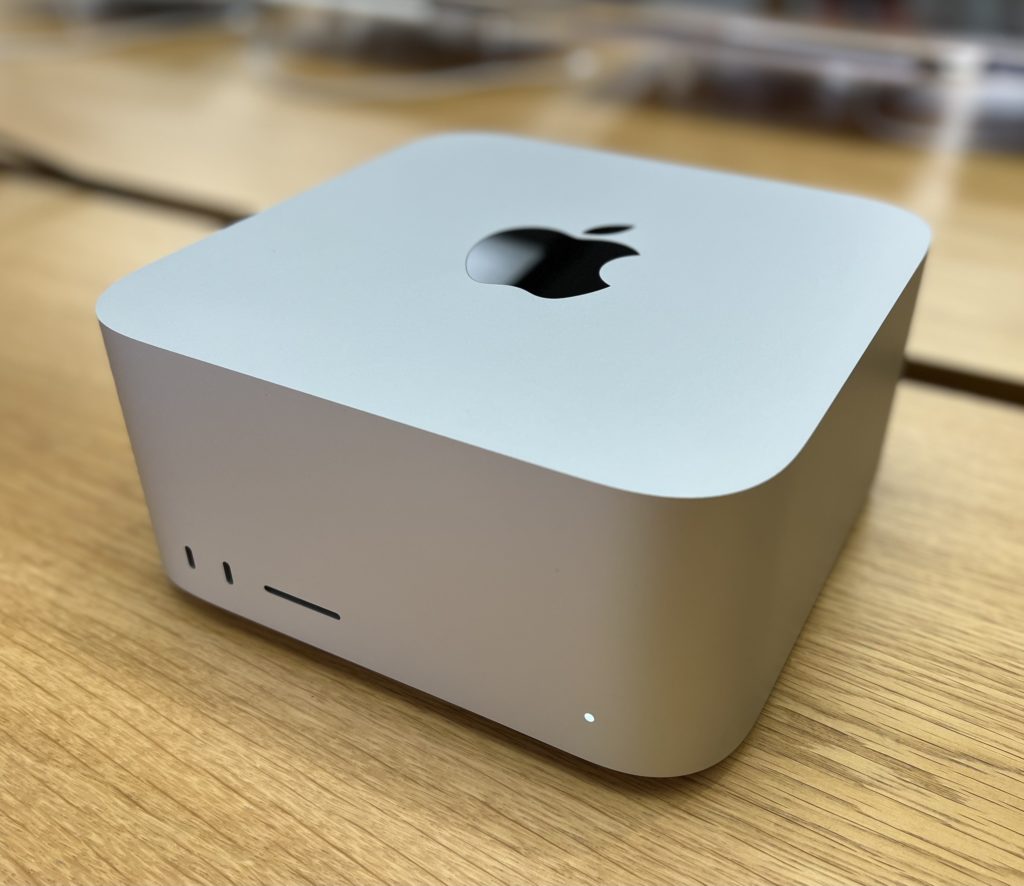
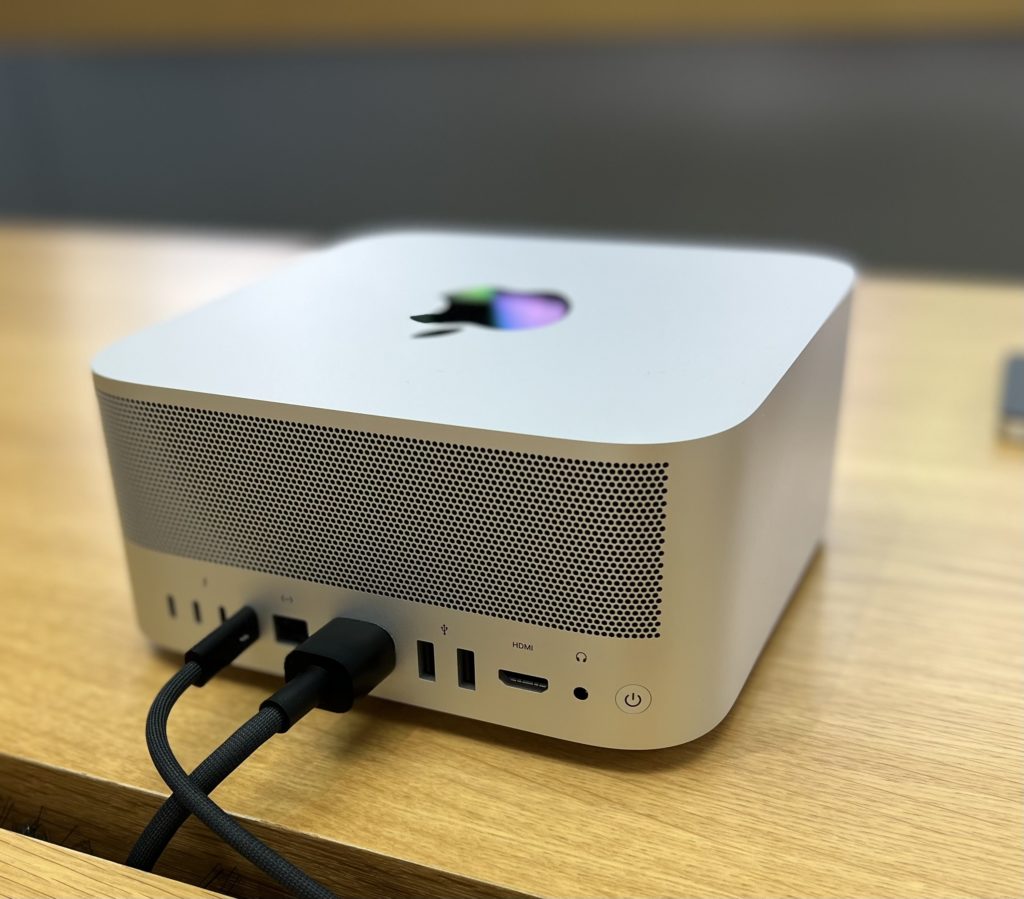
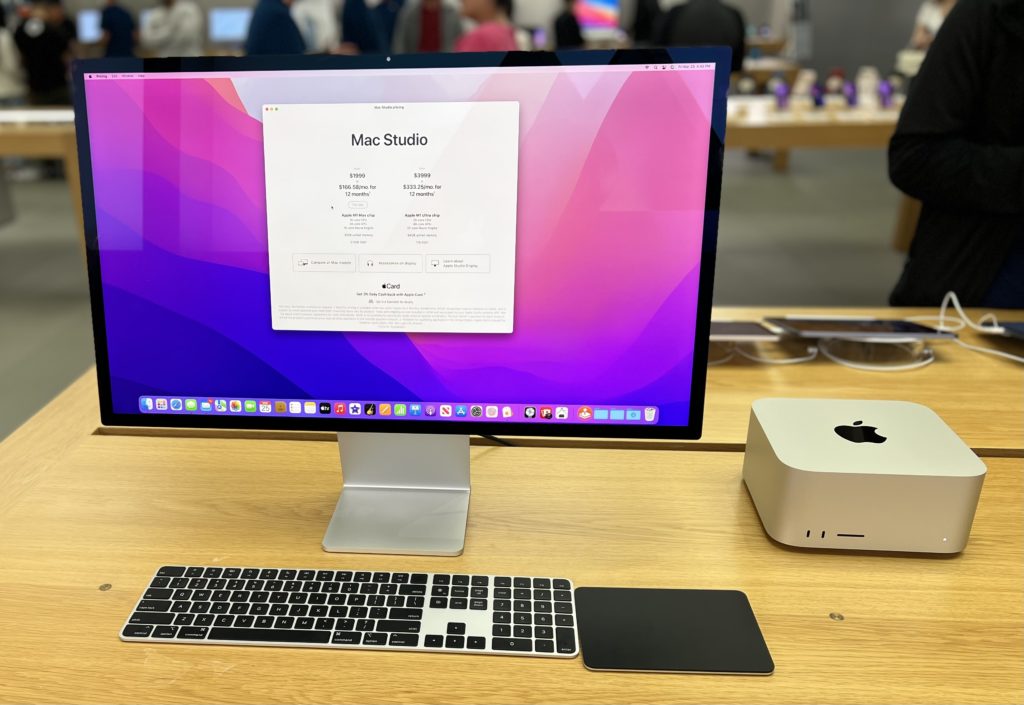
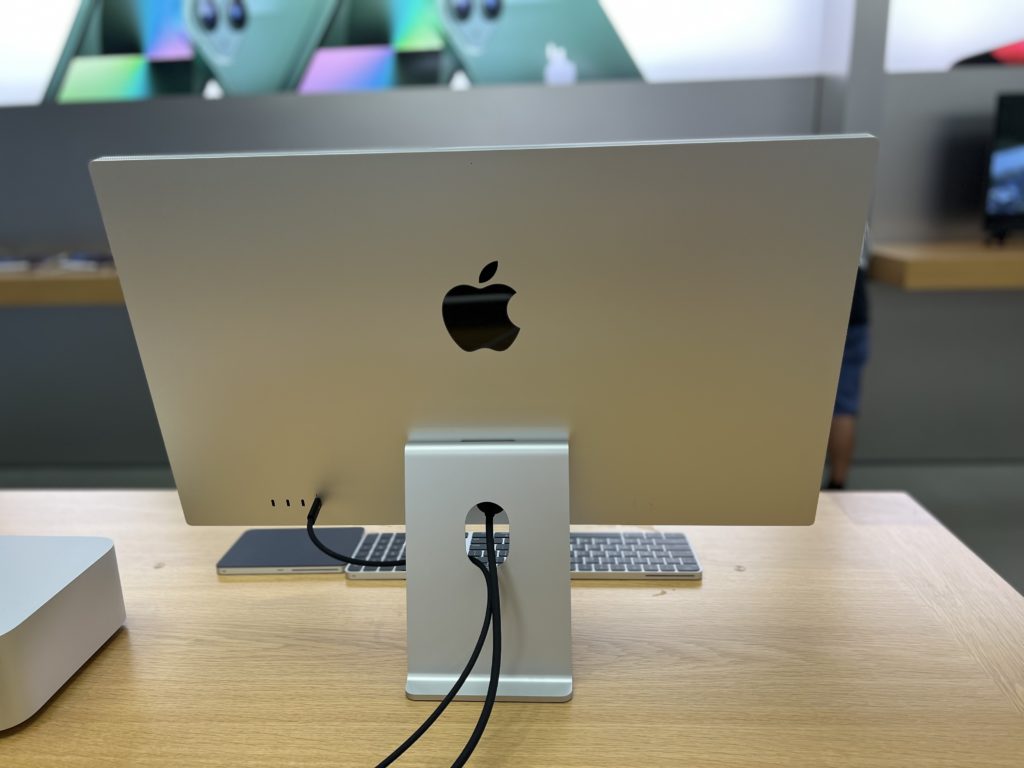
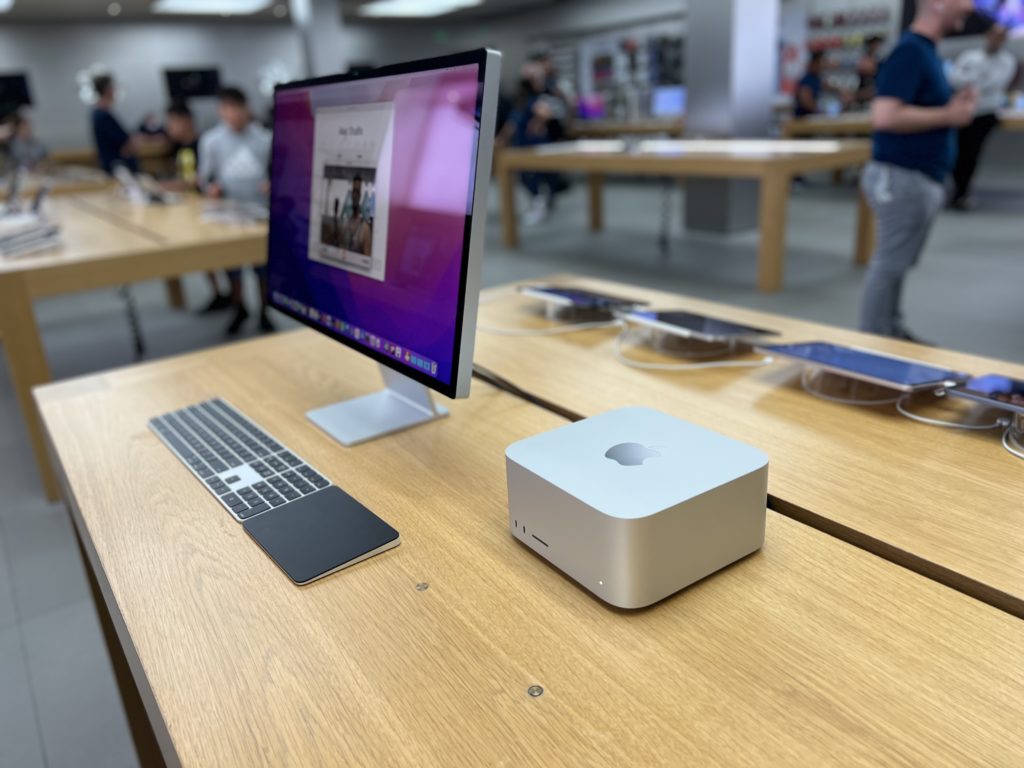
Over the weekend I got to spend some time in the Apple Store with the new Mac Studio and Studio Display. This post just barely qualifies as “hands-on” since I only got about 30 minutes with the setup before moving along. Nevertheless, I have thoughts:
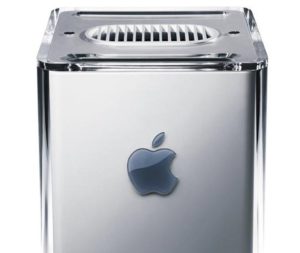
The Mac Studio
The Studio Display
Overall, the pairing of a new Mac Studio and a Studio Display is a great-looking combo. I think a lot of people are going to really dig this setup.
Nick Milo is a creator who is teaching people about Obsidian. On this week’s Mac Power Users, he talks with Stephen and me about how he manages his business, creates polished content and, of course, Obsidian and personal knowledge management.
This episode of Mac Power Users is sponsored by:
The MacSparky Studio build now has architectural plans and submittals are about to happen. In this video, I share the new plans and give you a status update…
This is a post for MacSparky Labs Members only. Care to join? Or perhaps do you need to sign in?
Rose and I have several automation topics on the table in this episode of Automators, including Shortcuts on the Mac, a Stream Deck check-in, and automating Obsidian. Also, we have thoughts on the new Mac Studio.
This episode of Automators is sponsored by:
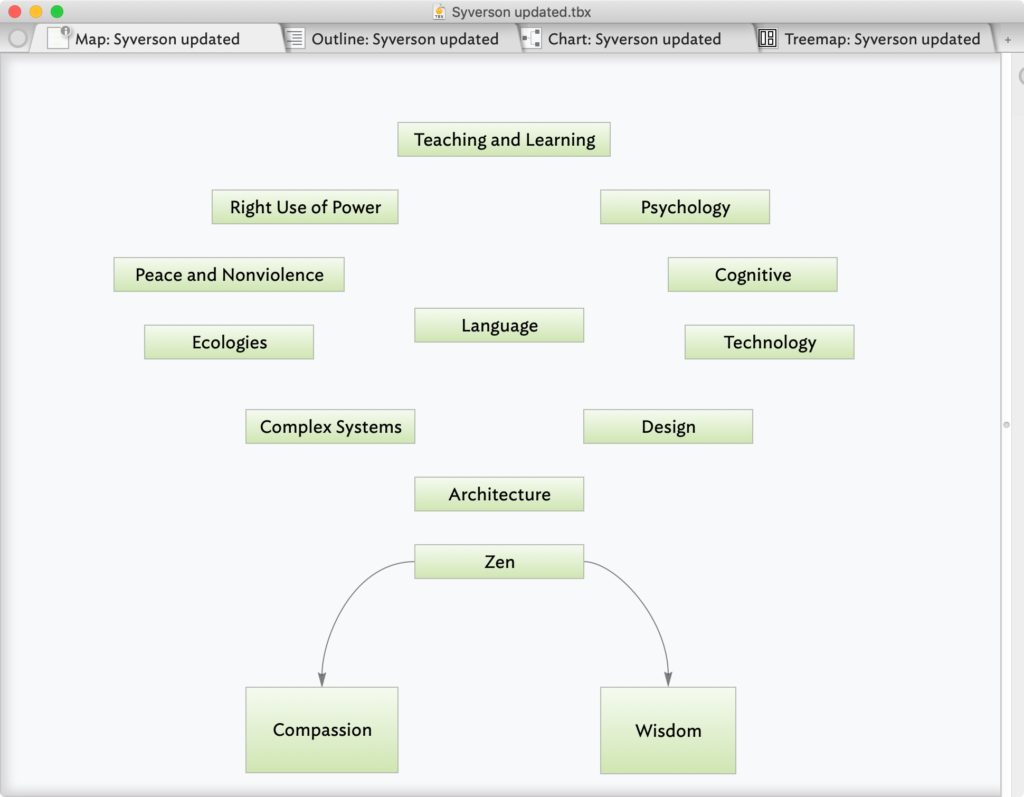
This week MacSparky is sponsored by Tinderbox, the tool for notes. Tinderbox is a Mac App that lets you collect your thoughts and slice and dice them any way your brain prefers. The application does a great job of adjusting to the way you think. With Tinderbox, you can make a mind map, a checklist, timelines, charts, outlines, and more. My favorite feature is that you are not tied to any paradigm with this app. Put your data in and start moving it around to help you make connections that weren’t there before.
People are using Tinderbox in all sorts of ways, from writing novels to planning a computer network to organizing a complicated corporate merger.
Tinderbox is now at version 9 with many new features, including string processing, user-created functions, stamps, and actions, where you perform processing and automation-related actions from inside Tinderbox. For example, do you automatically want to fetch information from web services and create a new note? Now you can do that. Also, Tinderbox runs great on your Apple Silicon Mac. Check out Tinderbox to visualize, analyze, and share your ideas.

Allow me to introduce you to Eric Welander. (@ericwelander on Twitter.) Eric loves Apple smart home tech, which you can watch here, and earns his coin by building iOS apps. So, Eric, show us your Home Screens.
I don’t know where my life would be without Drafts. I use it to quickly capture ideas I have, either on my phone or on my Apple Watch. Then I have an action to send them to Obsidian, or I copy-paste them to the proper project in Notion.
I love Reeder for staying up to date on Apple and tech news. The design is subtle and absolutely stunning. I connect Reeder with Feedbin where I have RSS feeds and email newsletters. As a YouTuber, I also use Feedbin to watch when certain channels post new videos. I find this chronological timeline easier and more passive than YouTube’s systems for not missing a video from my favorite creators. Getting to the videos over in the YouTube app is a few extra taps, but that’s not Reeder’s fault.
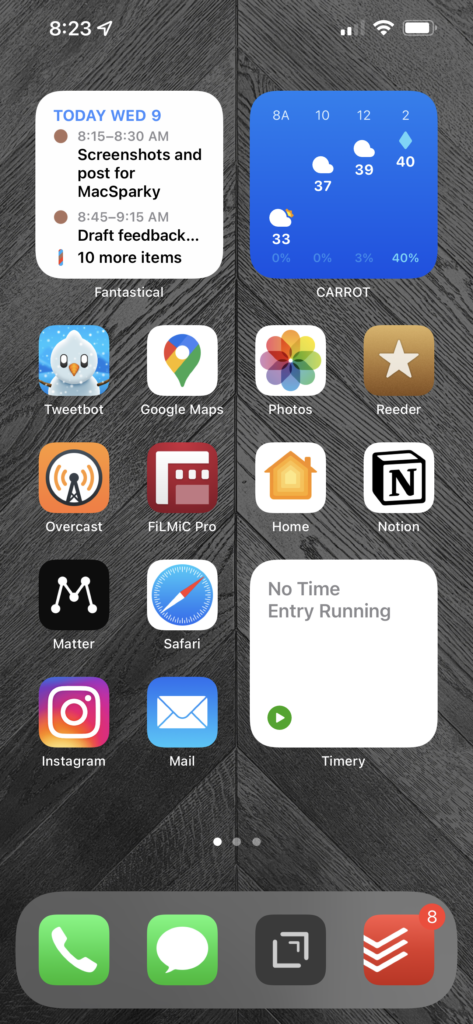
Instagram. I love following all kinds of interior design and luxury home builders on Instagram. It’s an extension of my love of smart home tech that I talk about on YouTube. That said, as a part-time creator, I’m terrible about sharing on Instagram as much as I probably “should”. YouTube and Twitter are more my cup of tea for that. One fancy home-related account that’s a great follow on Instagram is Mike Kelley (@mpkelley_).
Todoist. I’ve been using Todoist as my task manager since I moved over from Things in 2019. The biggest change that took it to another level for me was separating project and task management. Todoist is full of chores and things I have to do. Notion (previously Trello) is where I manage my projects and related tasks that move the needle. While Todoist isn’t the most beautiful task manager, the natural language processing for task entry and their web API make it too easy to keep using. And because I have this separation of chores and project related tasks, I can easily chuck one or the other (or both!?) out the window.
Matter. I recently switched from Instapaper to Matter for read-it-later content. I’m just barely scratching the surface of what Matter can do. I still need to set up highlight syncing with Obsidian, like I have with Instapaper. Beyond that, the stuff that Federico Viticci is doing with Matter over on MacStories is mind-blowing.
I love using Obsidian for notes, but the iPhone version is clunky and difficult to use. I would love a much faster look into my Obsidian database and ways to add thoughts on the go. Right now, that is Drafts for me. Drafts is great, but it’s a one-way street where I’m not able to connect ideas with other Obsidian notes.
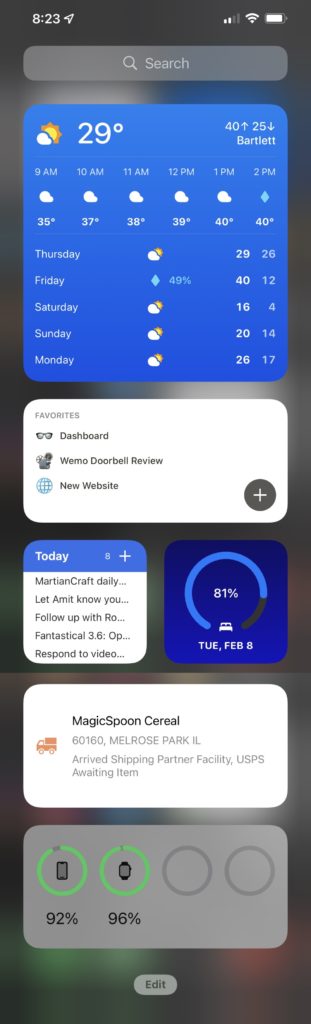
According to Screen Time, I pick up my iPhone around 42 times a day.
A lot of my widgets in the Today View are pretty standard, but I want to call out David Smith’s Sleep++ Sleep Goal widget. This is a great way to know how much energy I will probably have for a day, to help know how much I can actually take on. I usually have to tap the widget and open the app to get it to update, but that’s fine with me and probably not David’s fault.
I also like using favorites in Notion and the corresponding widget for quick access to my dashboard and to show projects I’m actively working on for my content creation. As I film B-roll, I will jump into Notion on my phone to check off shots I need to get.
Apple’s cameras are so good these days and frequently praised, but their screens are quickly becoming just as amazing. The screen on my iPhone 13 Pro Max is absolutely gorgeous, and it makes content I’m looking at really pop.
I would tell the iPad team to make a battery-less entry-level iPad you could hang on the wall in your home. I would also assemble a software team to make a homeOS for this product with HomeKit controls. I would also want it so that members of an iCloud family could share eligible, custom iOS widgets to remain on the display. Apple would probably need to build a way developers could make certain widgets eligible for Family Sharing, but I’m sure they would pull it off in a secure system. Oh, and go ahead and ship Family Sharing for photo libraries too … please and thank you!
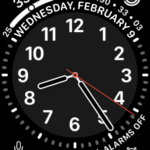
I’ve never been fully satisfied with my Apple Watch face. The California face seems to land the best compromise of data and style, I just wish there were more options for customizing the actual watch dial. I sleep with my watch on and use it as a silent alarm in the morning.
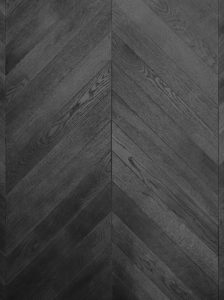
I can’t find the link, but my wallpaper is an image I found around the launch of the Apple Tower Theatre store in Los Angeles in June 2021. I cropped the photo and turned it monochrome to be a subtle backdrop. I’ve had it on my phone since then, and I really like it. My Lock Screen is usually a family photo.
Thanks, Eric!
Earlier this week I did an hour-long deep dive on dictation workflows and technologies for the Early Acces Labs members. The session went great and here is the recording for MacSparky Labs Early Access subscribers. The next Early Access Deep Dive, all about start-up and shut-down routines, will be on April 20 … This is a post for MacSparky Labs Early Access Members only. Care to join? Or perhaps do you need to sign in?