
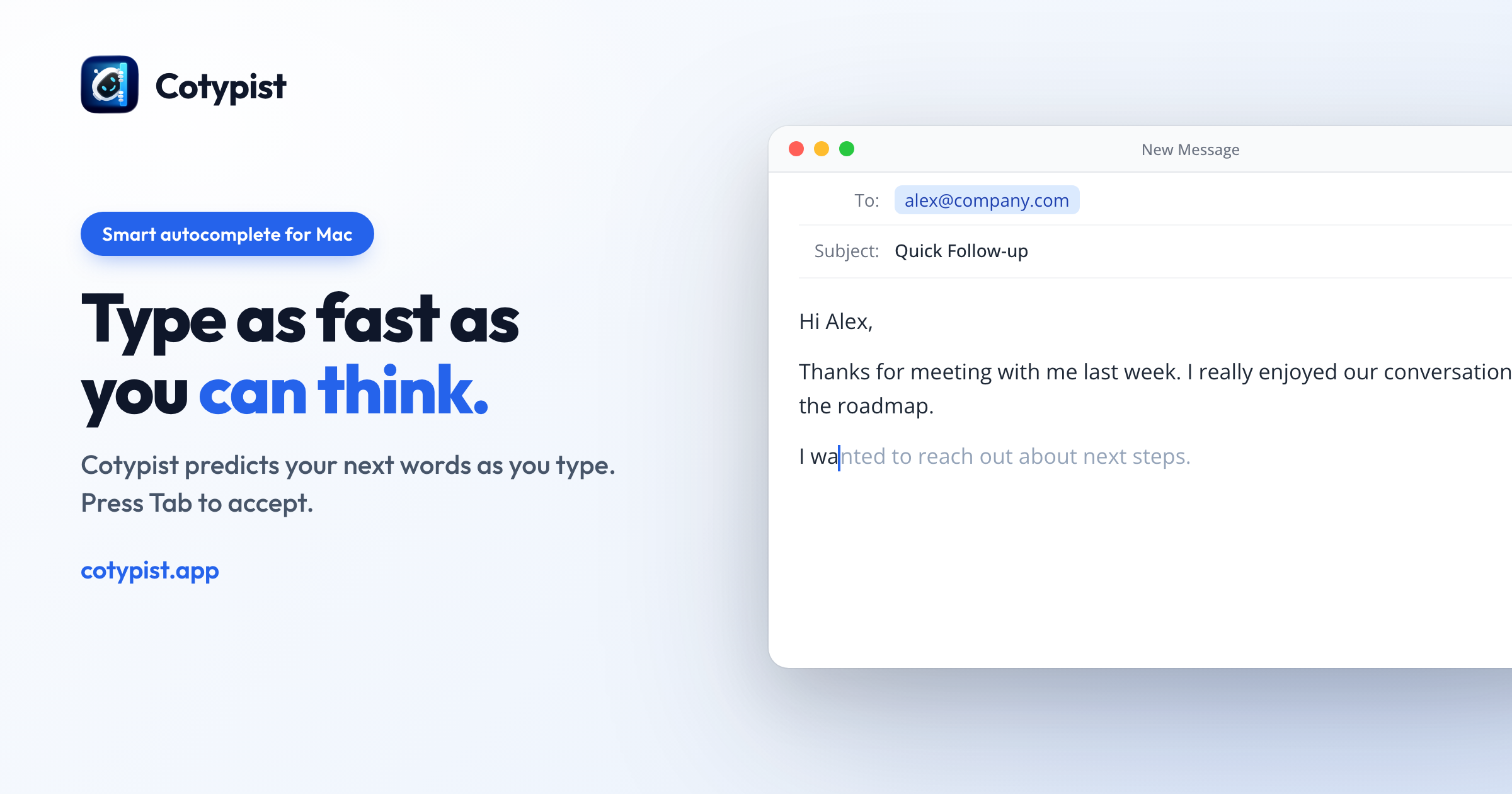
This week’s sponsor, Cotypist, helps you keep writing on your Mac. It suggests the next few words right where you’re typing. Take what you want with Tab, or keep typing when you have something else in mind.
I’ve written about Cotypist’s autocomplete before. This time, there’s another part of the app worth a look: help finding a word, whether you’re halfway through a sentence or going back over a draft.
Word Alternatives gives you a few possible next words when you pause. Turn it on in Cotypist Labs, and a numbered list appears below the cursor. If you’d rather ask for suggestions than have them appear whenever you stop, you can assign a shortcut instead.
That distinction matters. Pausing to think doesn’t always mean you want help. I like having a choice about when the app offers it.
The second feature works on words you’ve already written. Select a word or short phrase, and Cotypist suggests synonyms that fit the surrounding sentence. Press the corresponding number to replace your selection. You can change when those suggestions appear, too.
For example, you might have the right meaning in an email but want a less formal word. Or you might notice the same adjective twice in a paragraph. A short list of alternatives gives you something to consider while the sentence is still in front of you. You decide whether any of them actually improves it.
Both features are part of Pro. The suggestions are generated on your Mac, so your writing doesn’t need to go to a server for that work. Cotypist runs on Apple Silicon Macs with macOS 14 or later and works in most Mac apps.
You can download Cotypist and try Pro free for 30 days, with no credit card required. Afterward, stay on the free plan or subscribe. MacSparky readers get 10% off their first bill.
My thanks to Cotypist for supporting MacSparky.
I write about getting more from your Apple gear. If this was useful, go deeper in the Labs or grab the weekly newsletter.